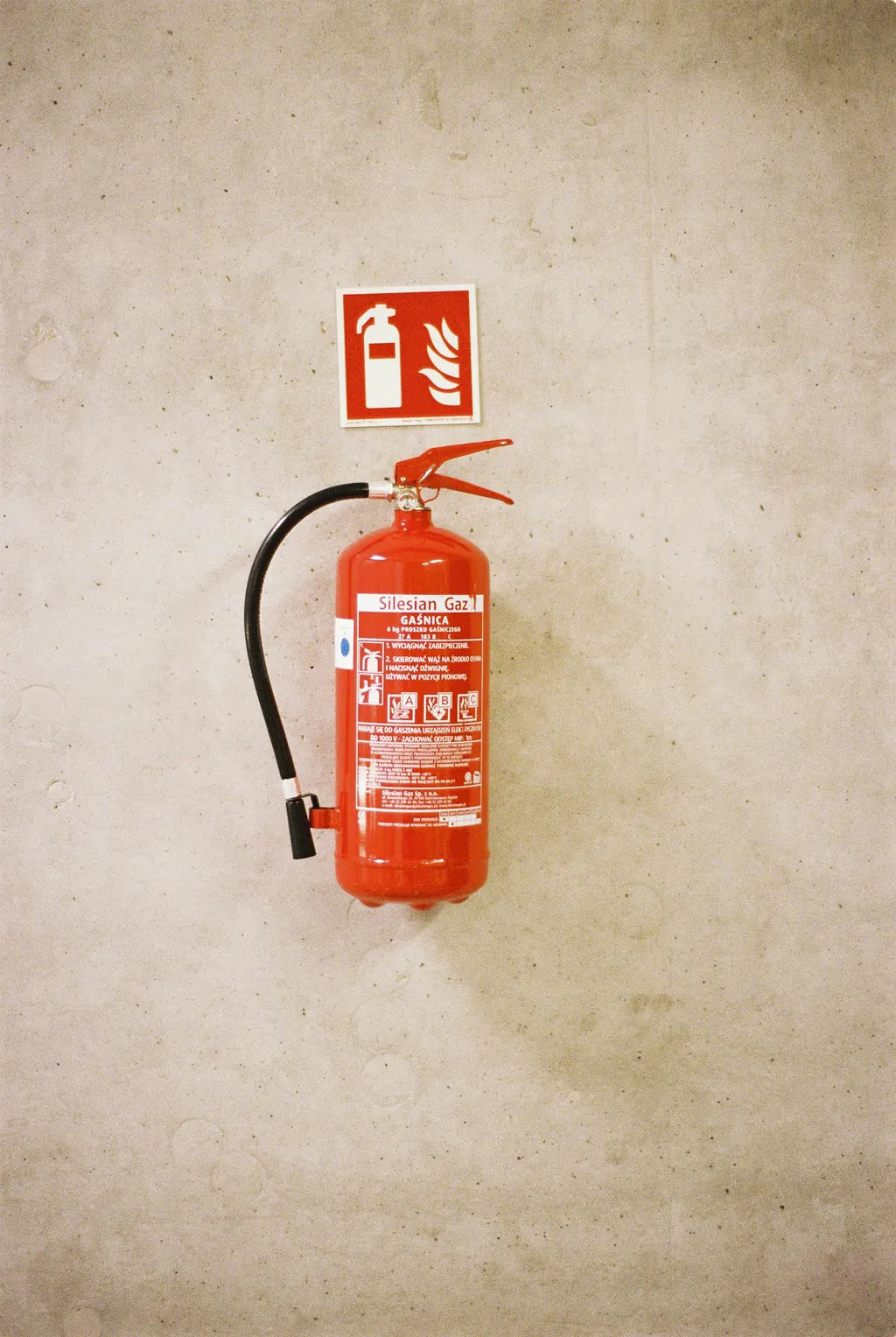
MonFire door FD30, Stair 2, Level 3

Schedule inspections and maintenance.

Set an inspection or a maintenance job once and it repeats: weekly, monthly, quarterly, yearly. The next one is created automatically and shows on your Home page before it is due.

Coming soon Request a demo

Is this for you?

  • Some checks must happen every week, month or year.
  • You keep the dates in a diary, a spreadsheet or your head.
  • Missing one is not noticed until someone asks.

—Fire door FD30, Stair 2, Level 3

Monthly water temperatures in the block, daily forklift checks in the warehouse, yearly lift checks in the office. The dates live in three places and one of them is a wall calendar.

Pick the checklist, a date and how often. The next check is created automatically, assigned, and shows on your Home page before it is due. The one after that follows.

What you getChecks that come round on their own, and a record of every one that was done.

Fig. 01In a browser

A real recording of the released platform, with example data.

How AssetWRX walks you through it

These are the steps AssetWRX itself shows. Tap Guide me on any screen and it points at the next one.

  1. Make it repeat

    Set the check for later rather than now, and it becomes a schedule rather than a one-off.

  2. Choose how often

    Weekly, fortnightly, monthly, quarterly, yearly. A suggested cadence comes from the asset type; adjust it.

  3. Schedule it

    The next check is created automatically, assigned, and shows on your Home page before it is due. The one after that follows.

Do this on one of your assets today.

Your first asset is free, with no card. Label it, check it, sign the report. Then decide.

Coming soon Request a demo

Your first asset is free, with no card.Web, iPhone and Android · from £3 per asset after that

Coming soon