Asset operations, inspections and maintenance
Know what needs checking, what failed and what needs fixing.
AssetWRX connects every asset to its inspections, faults, jobs, contractors, documents and history. Your team knows what needs attention, and what happened next.
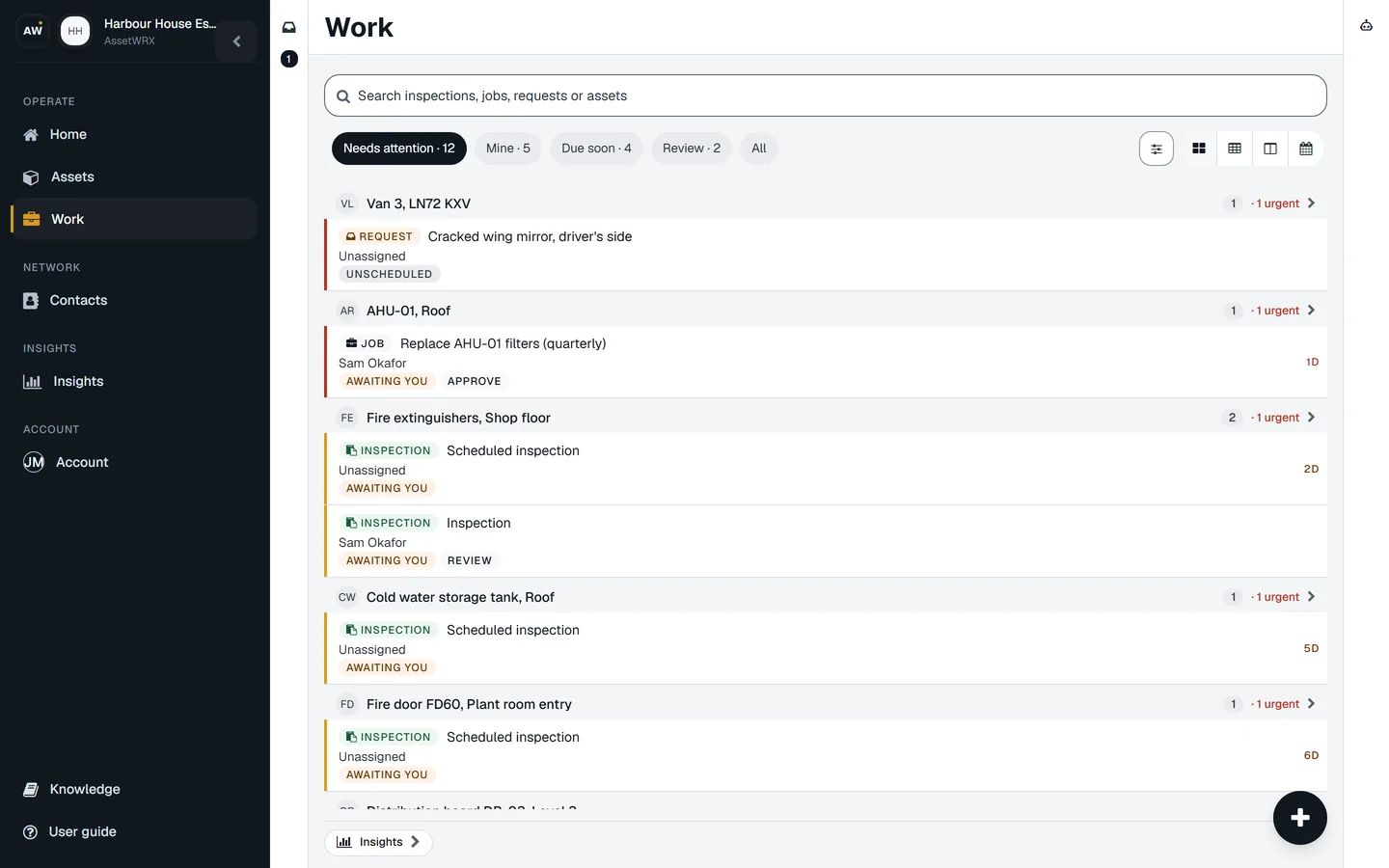
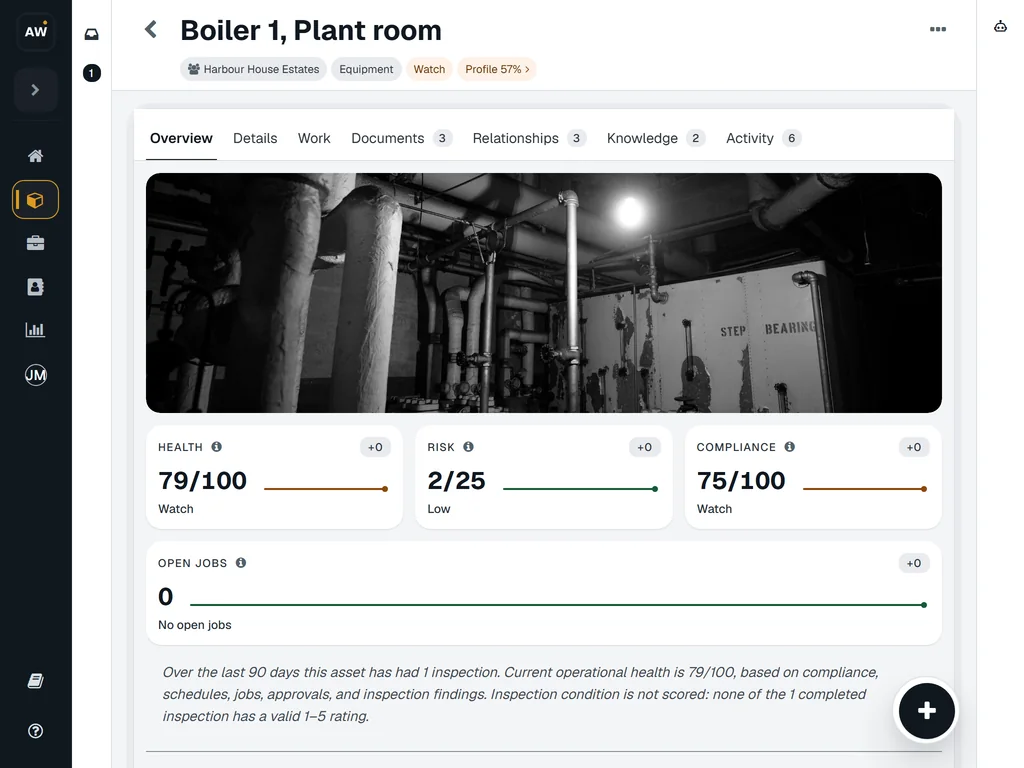
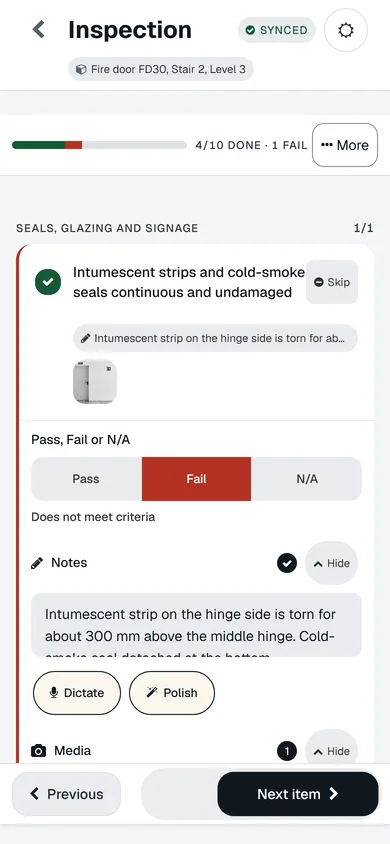
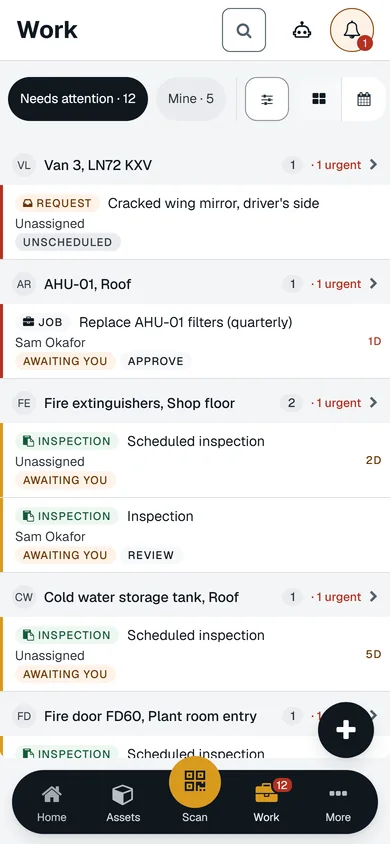
The Work list, a boiler’s record and a check on a phone. Example data.
Assets are rarely the problem. The record around them is.
Three moments from an ordinary week, and the screen that stops each. Real screens, example data.
-
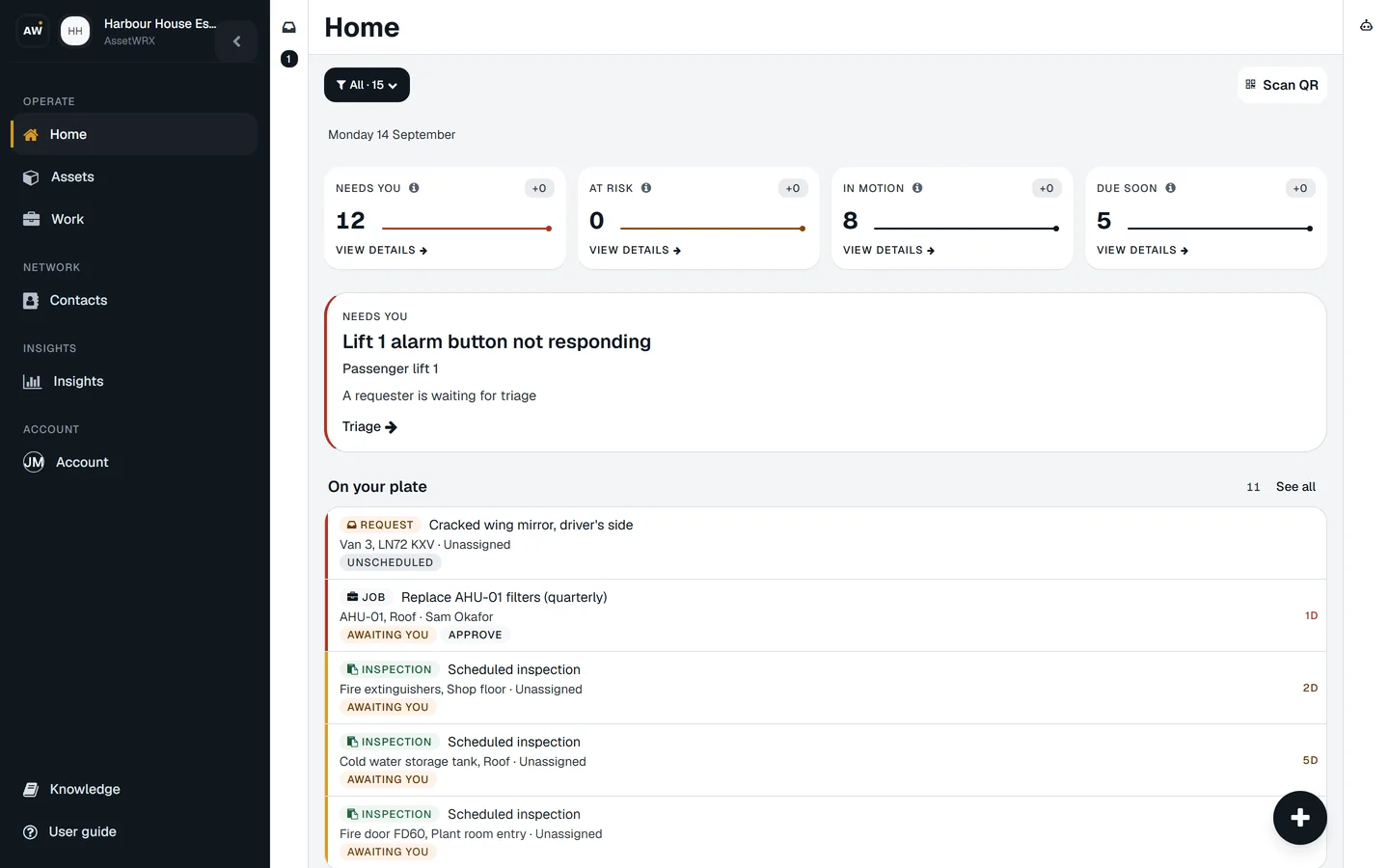
The extinguisher check was due in March. The fire officer asked in June.
Set the check once. The next one is created on its own and sits on your Home page before it is due.
-
The driver texted about the cracked mirror. By the next shift it was forgotten.
Scan the label on the van, add a photo, no account needed. It is in your Work list before the van leaves the yard.
-
The insurer wants last year’s gas certificate. It is in an ex-colleague’s inbox.
It is on the boiler’s record: this year’s certificate, last year’s, and the service report, with the renewal already lined up.
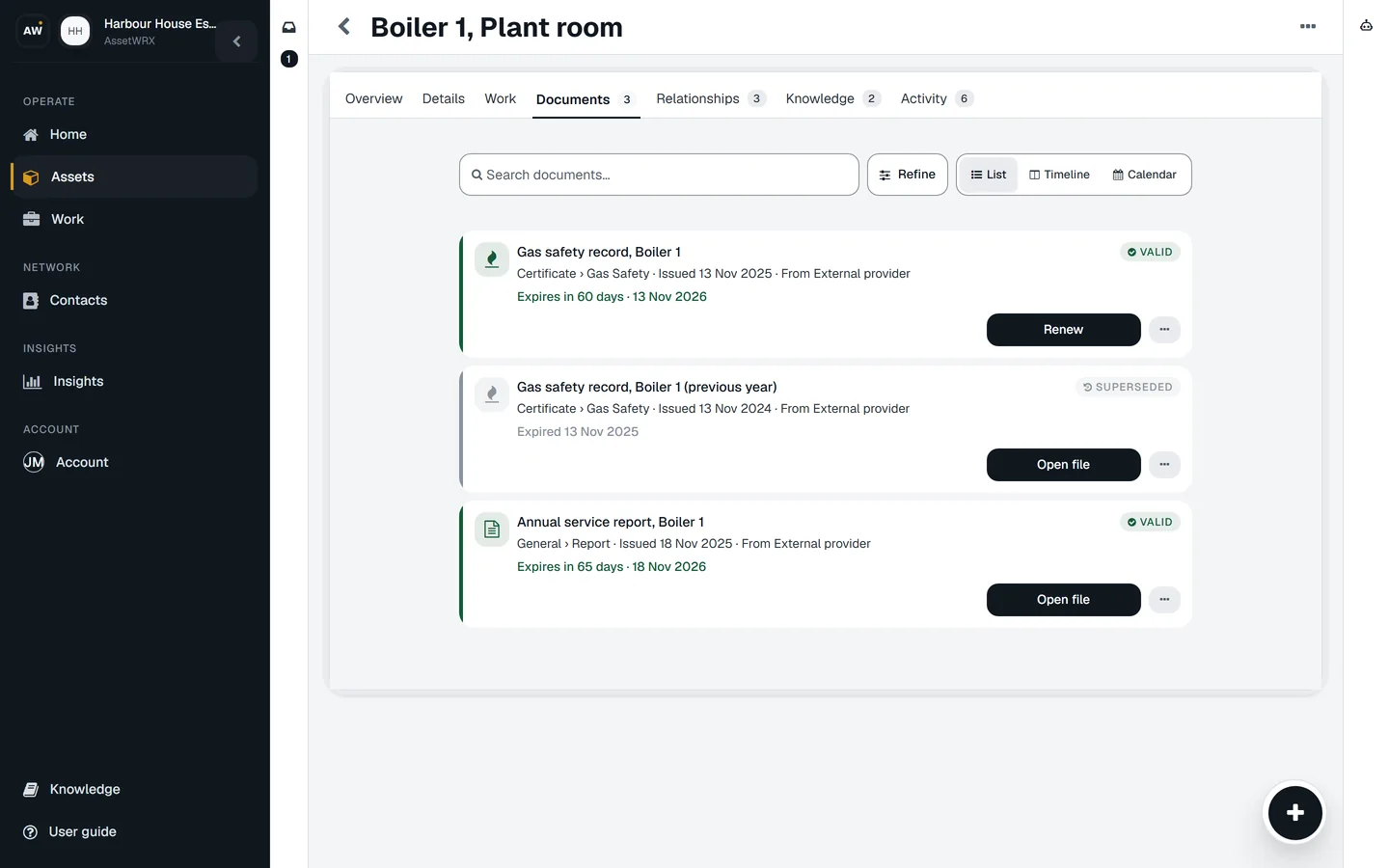
Everything stays with the asset.
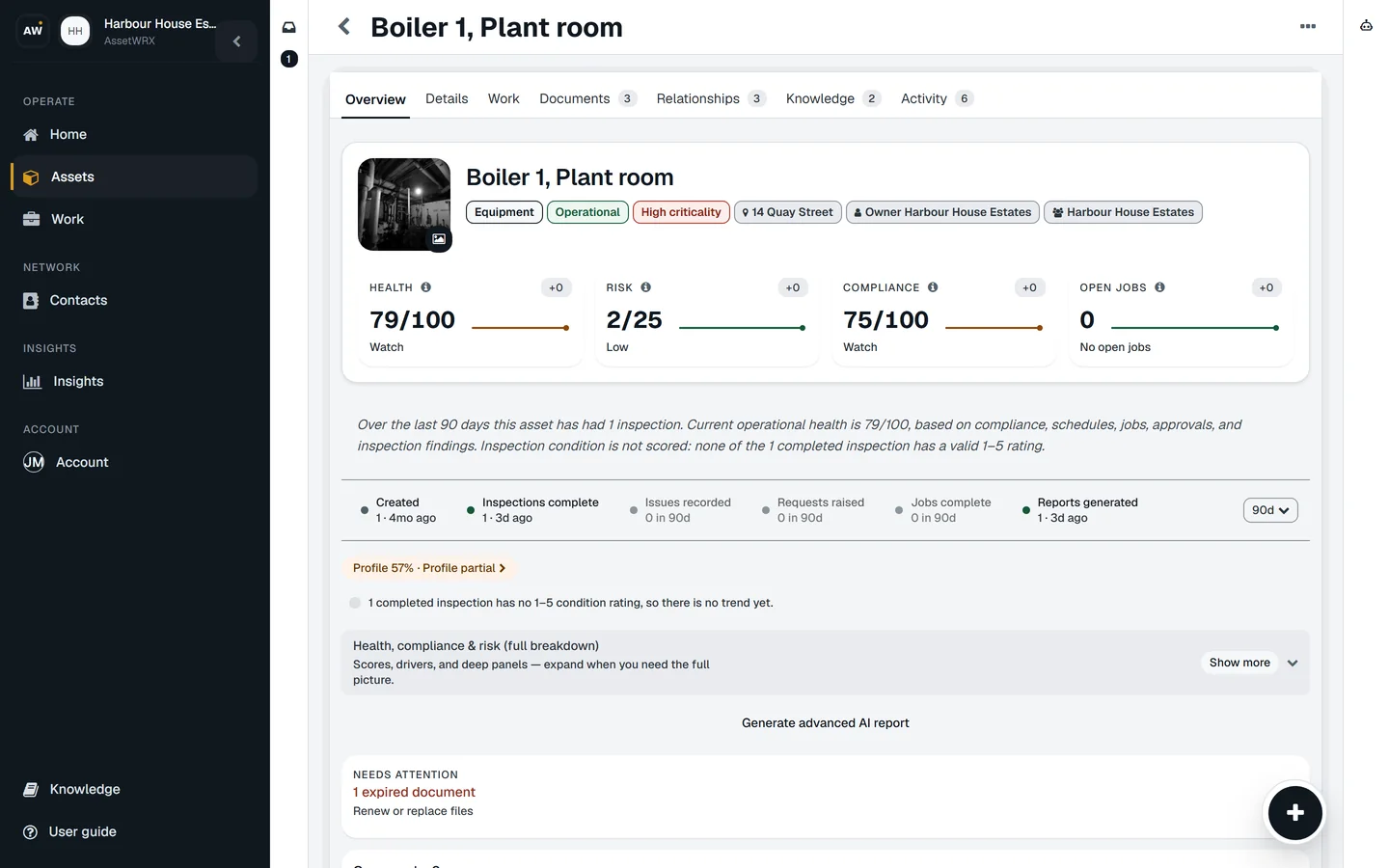
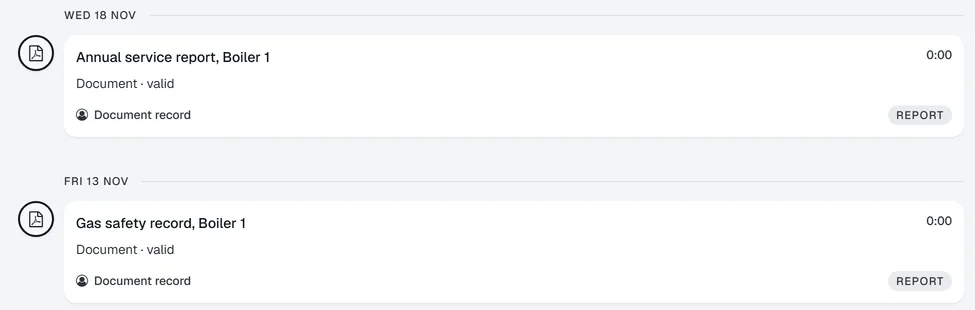
Open any asset and read what happened to it, in order. Nothing lives in an inbox, a spreadsheet or a contractor’s phone.
- The fault someone reported, with their photo
- Every inspection, item by item
- The job it raised and who has it
- The contractor’s work and what it cost
- The report, signed
- The certificate and its renewal date
- Its health and risk scores
- Its history, dated, back to day one
Everything that needs attention. One Work view.
Jobs, inspections, reported faults, documents due and scheduled checks, in one list, grouped by asset.
- Each row says what it needs from you: Awaiting you, Approve, Review, Unscheduled, Due soon, Report ready.
- Five views: Needs attention, Mine, Due soon, Review, All. The urgent ones are at the top.
From a failed check to the proof it was fixed.
One thread, on the asset, from the first Fail to the last signature. Six real screens.
-
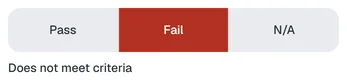
The check fails
Fail, a note and a photo, on the phone, with or without signal.
-
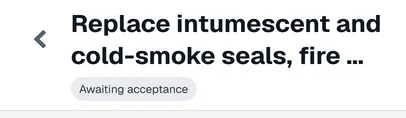
A job is raised
With the finding and the photo attached, on the asset.
-

You choose who does it
Your team, one named contractor, or quotes from several.
-
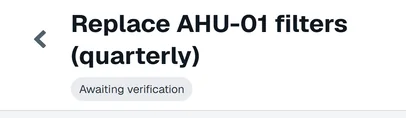
Done, then verified
The person who did it marks it done. You verify it, or ask for rework.
-

The report is signed
Built from what was recorded, signed by the person responsible.
-
It stays on the asset
Next year’s inspector reads the whole thread there.
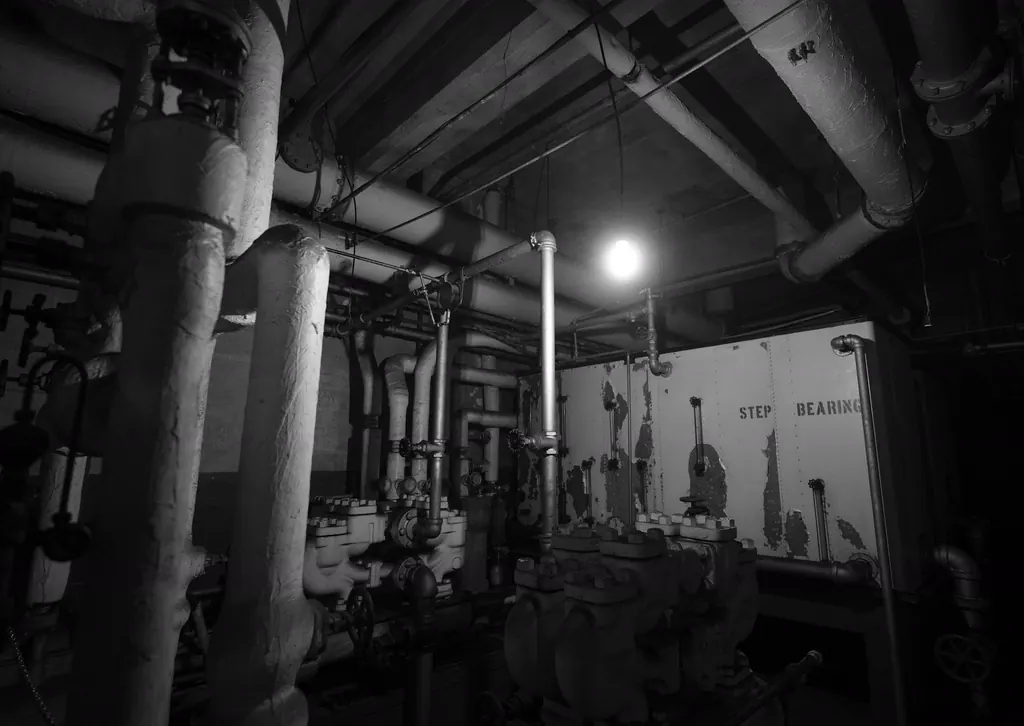
On a phone, in a plant room, with no signal.
Pass, Fail, photo and note on the phone. It says Saved locally until you are back in range, then Synced. The record shows what has and has not reached the server yet.

Your own team, one contractor, or quotes from several.
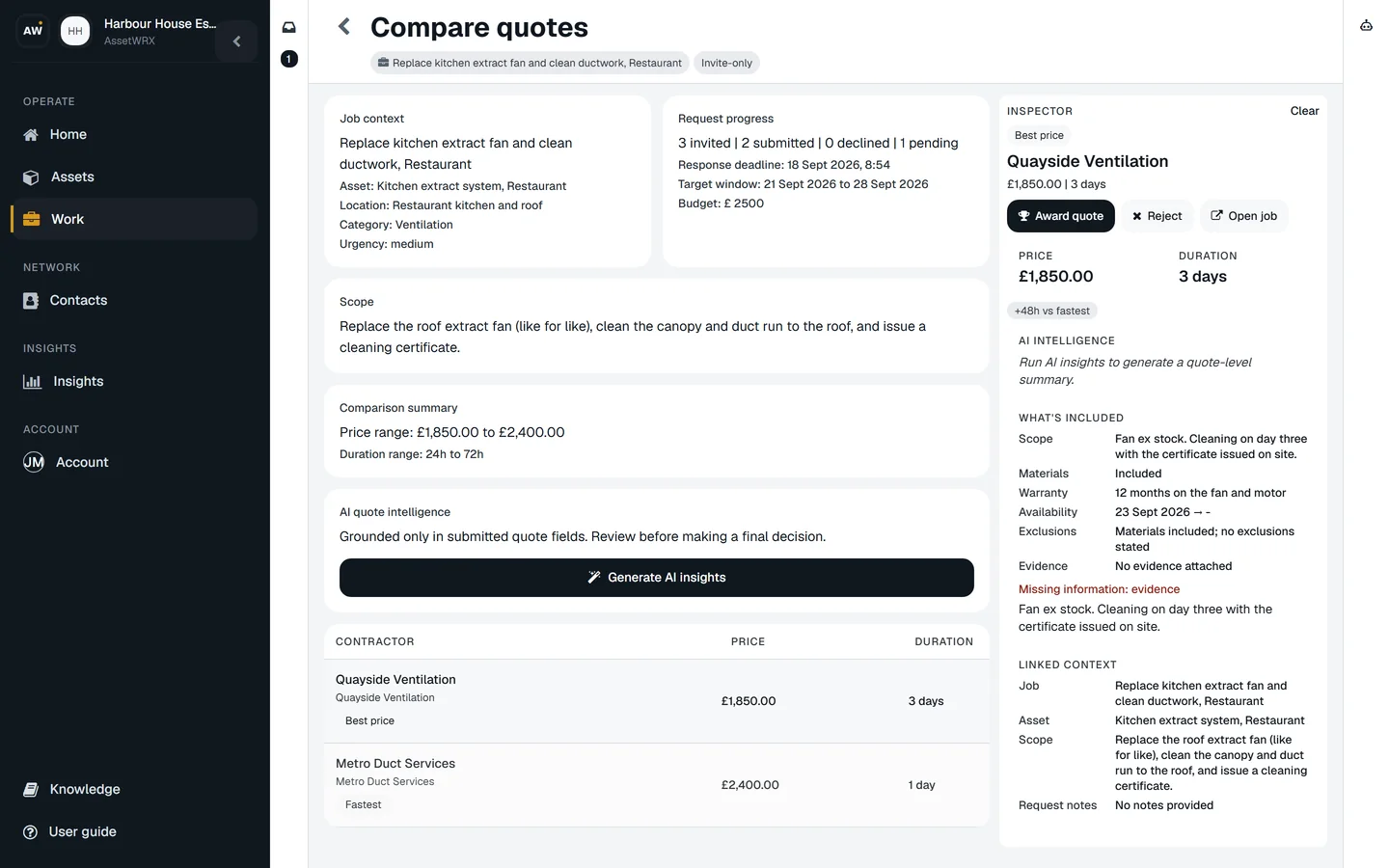
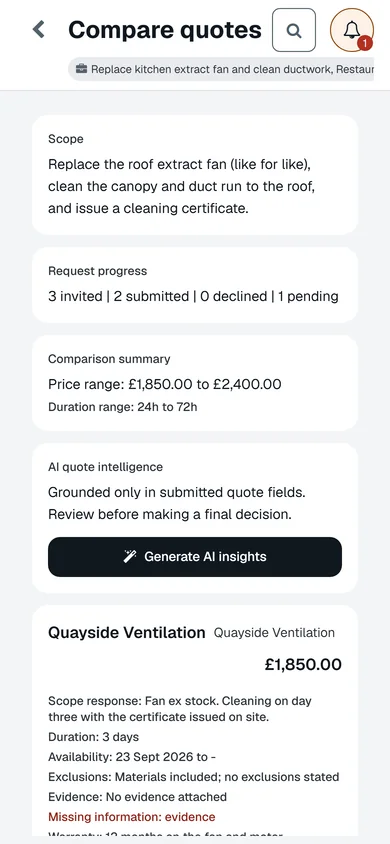
Every job gets a path. Your team, one named contractor, or invitations to quote. Quotes come back side by side, best price and fastest marked, and you award one.
The contractor sees the job, the finding, the photo and the address. Nothing else on your site. When they mark it done, you verify it or ask for rework.
Know more than where an asset is.
Every asset carries a health score, a risk score, its open work and whether its checks were done on time. Every site rolls those up.
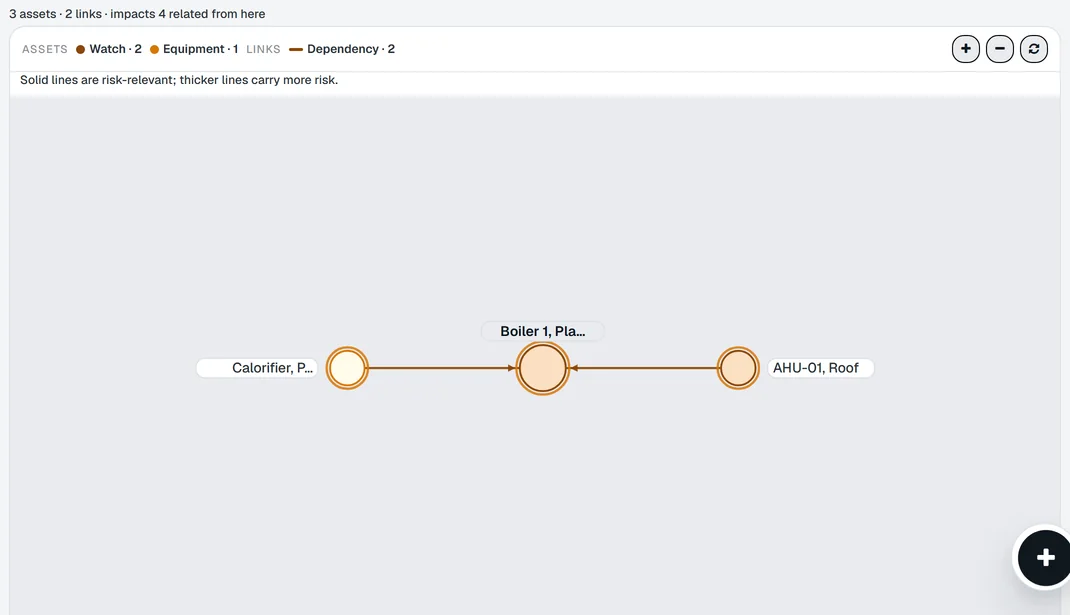
Know what depends on it.
Link assets to each other and the map shows what a failure takes down. The boiler feeds the calorifier, which feeds the hot water on four floors.
AI where it removes work.
Six things it does for you. Each is a button in the app, and each costs credits your assets bring every month.
-
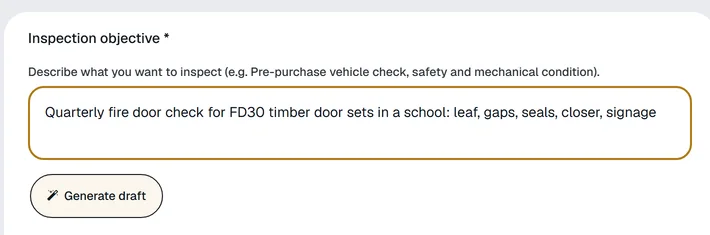
Write a checklist
Describe the check. The draft comes back in sections, ready to edit.
-
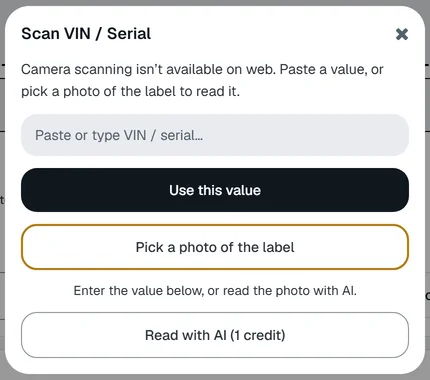
Read a VIN or serial
From a photo of the label, into the asset record.
-
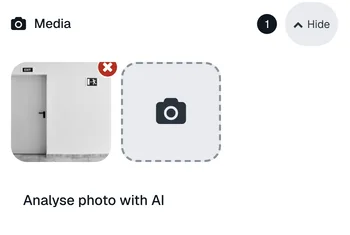
Analyse a photo
What the picture shows, in words, on the finding.
-
Dictate, then polish
Speak the note on site. Tidy it with one tap.
-
Write the summary
The inspection summary, from the findings, for the report.
-

Advanced asset report
History, risk, health and maintenance in one document.
Fits almost anything you look after.
If it can fail and someone will ask whether you checked it, it belongs here: doors, machines, vans, rooms, tools.
-
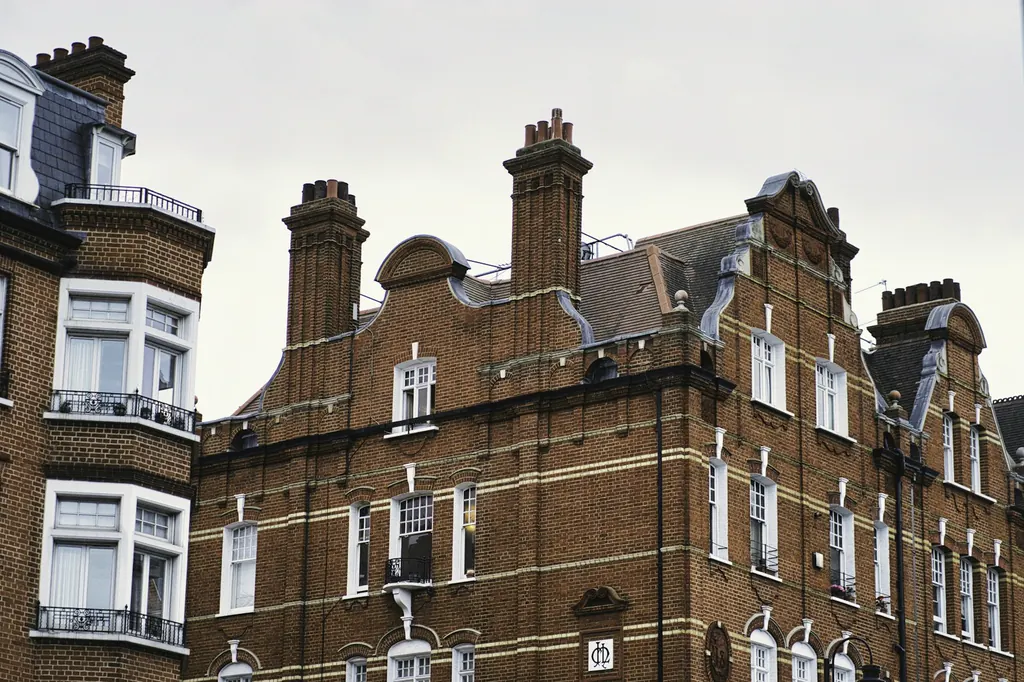
Properties
Homes, blocks of flats, offices, shops, warehouses, hotels, schools, sites.
-
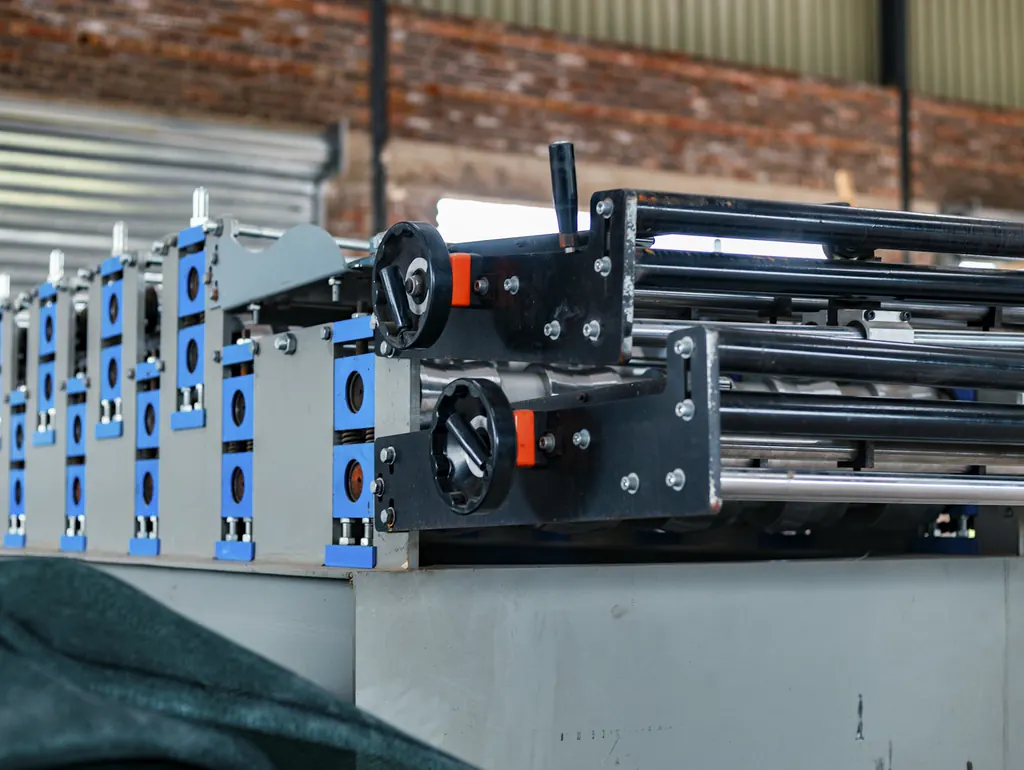
Equipment
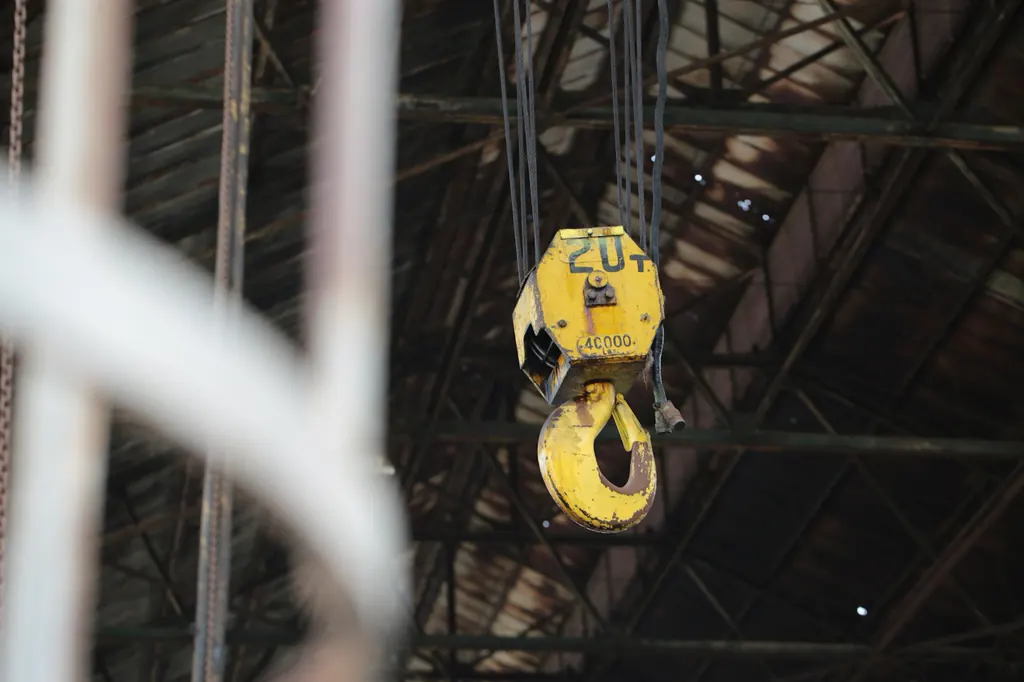
Boilers, lifts, fire doors, extinguishers, cookers, water tanks, distribution boards, machines, cranes.
-
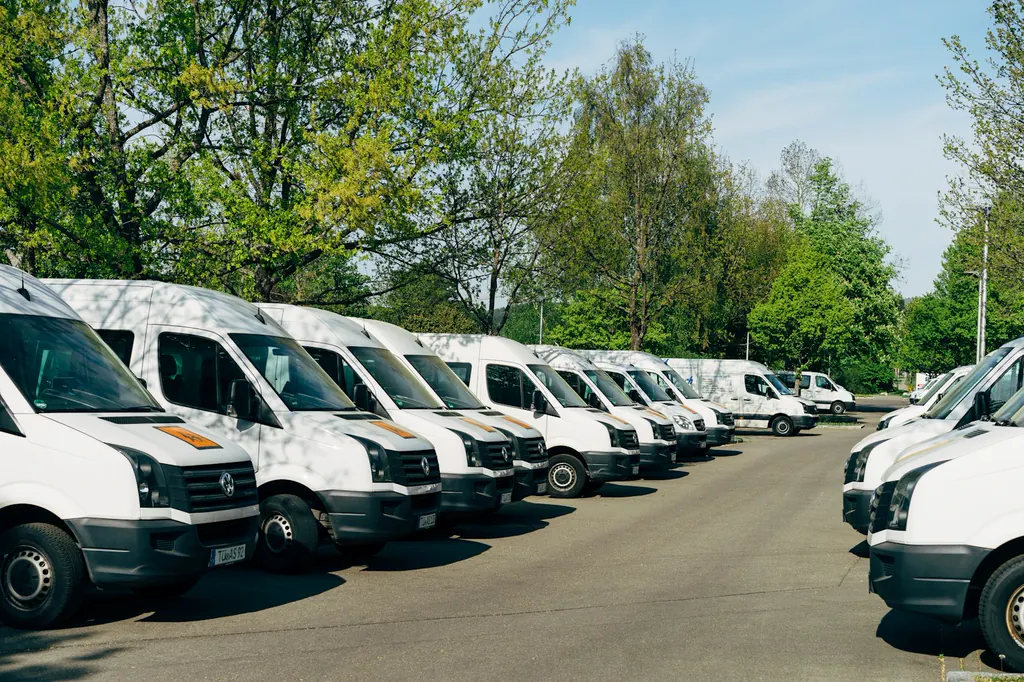
Vehicles
Vans, trucks, cars, forklifts, trailers, plant.
-
Anything else
Tools, IT equipment, signs, furniture, rooms. If it has a label and someone will ask about it, it fits.
Built for anywhere assets must be checked and fixed: housing, offices, retail, hotels, schools, warehouses, factories, fleets, kitchens, construction sites, clinics.
Your first asset is free, with no card. Then per asset, never per person.
Checklists, ready to use.
Every checklist is on its page in full, and names the duty it covers. Use one as it is, or as the starting point for your own.
- Fire safety United Kingdom Fire door inspection checklist (UK) The quarterly and annual fire door check as a ready-to-run template: certification, gaps, seals, hinges, closer, glazing and signage, photo on every fail.
- Water safety Global Legionella monthly monitoring (hot and cold water) Monthly sentinel outlet temperatures, calorifier flow and return, cold water storage and the quarterly extras from HSG274 Part 2, with limits.
- Lifting and vehicles United States Forklift pre-shift inspection The operator's daily or per-shift examination of a powered industrial truck under OSHA 1910.178 and PUWER: forks, mast, hydraulics, brakes, horn, lights, belt.
- Fleet United Kingdom Daily vehicle walkaround check The driver's daily walkaround for vans, trucks and fleet cars as the DVSA expects it: lights, tyres, mirrors, brakes, load, defects reported with a photo.
- Fire safety United Kingdom Emergency lighting monthly function test The BS 5266-1 monthly function test as a log per luminaire: fitting operates on test, exit signs lit, charge indicator on, plus the annual full-duration result.
- Fire safety Global Fire extinguisher routine check The routine visual check of portable extinguishers: in place, accessible, charged, seal and pin intact, service in date. NFPA 10, BS 5306-3, AS 1851.
What you can check for yourself
- 15 checklists you can read in full before you sign up
- Works on the phone with no signal
- Hosted in the UK and EU, with a data processing agreement you can download
- Five languages, three currencies
- Made by Cogniforma Ltd, registered in England, no. 16176541
Questions
- Can I try it without talking to anyone?
- Yes. Your first asset is free, with no card and no time limit. Adding a second asset starts a subscription, and that comes with a 90-day free trial.
- What happens when someone reports a fault?
- It lands in your Work list with the photo and the asset it is about. You approve it, decline it, or ask for more. Approving it creates a job with the details carried across.
- What is the difference between a report and Insights?
- A report is the record of one check or one job: what was found, the photos, who signed. Insights adds them up across everything you look after: what is overdue, what is at risk, where work is stuck.
- Does it work without a signal?
- Yes, for checks. Open the check before you go into the basement. Answers, photos and notes are saved on the phone and sent when you are back in range. The record shows what has not reached the server yet.
- Do you charge per person?
- No. You pay for the assets you look after, plus a monthly plan. Everyone in your team and every contractor can be on the record. People who only report faults by scanning a label never need an account.
- Can I bring in my own checklists?
- Yes. Start from one of ours and edit it, or build your own. You can also import your list of assets from a spreadsheet.
Everything stays with the asset.
Your first asset is free, with no card. Label it, check it, sign the report. Then decide.